Case study · 03
Status: In progressBlockout Website
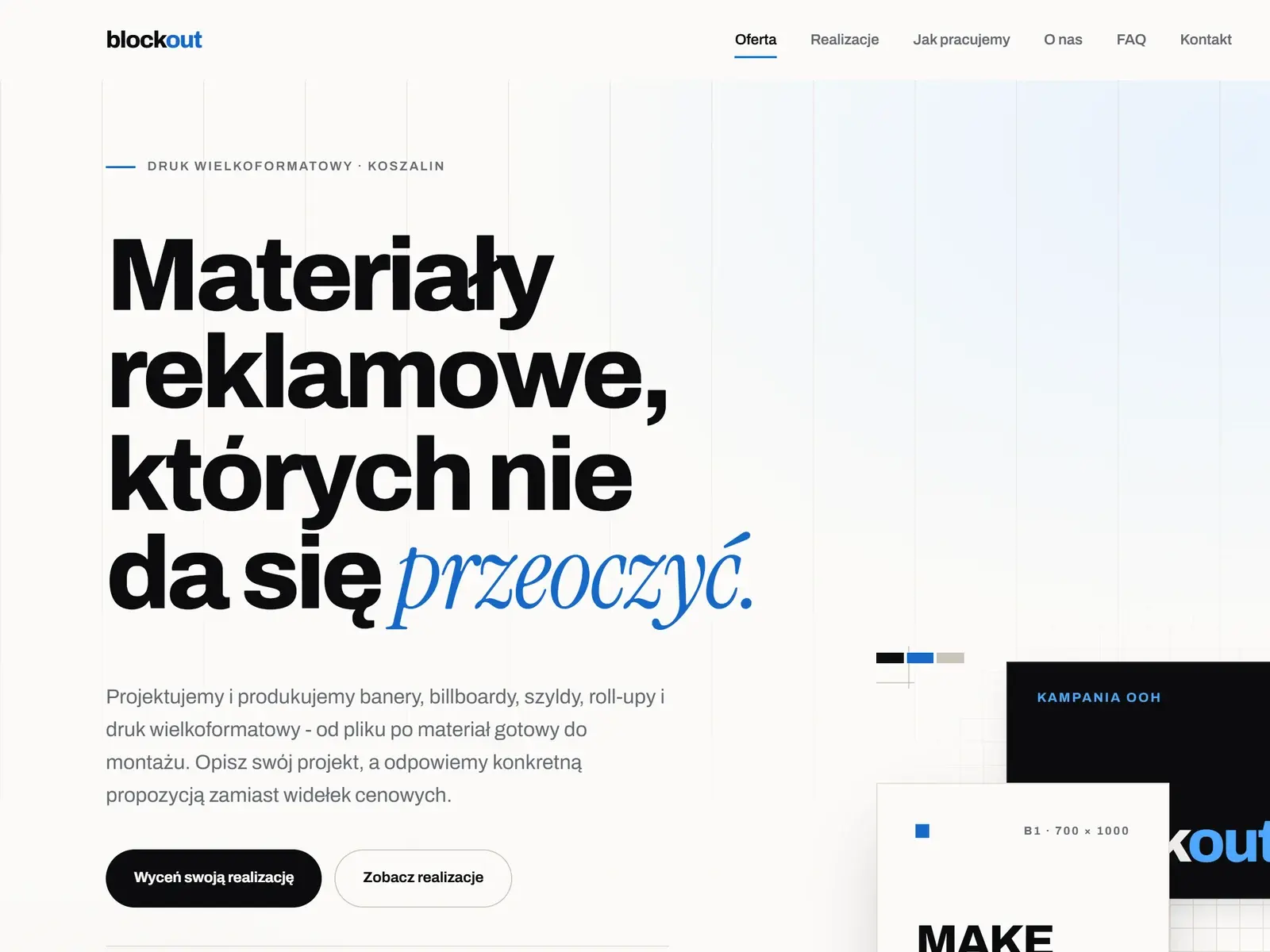
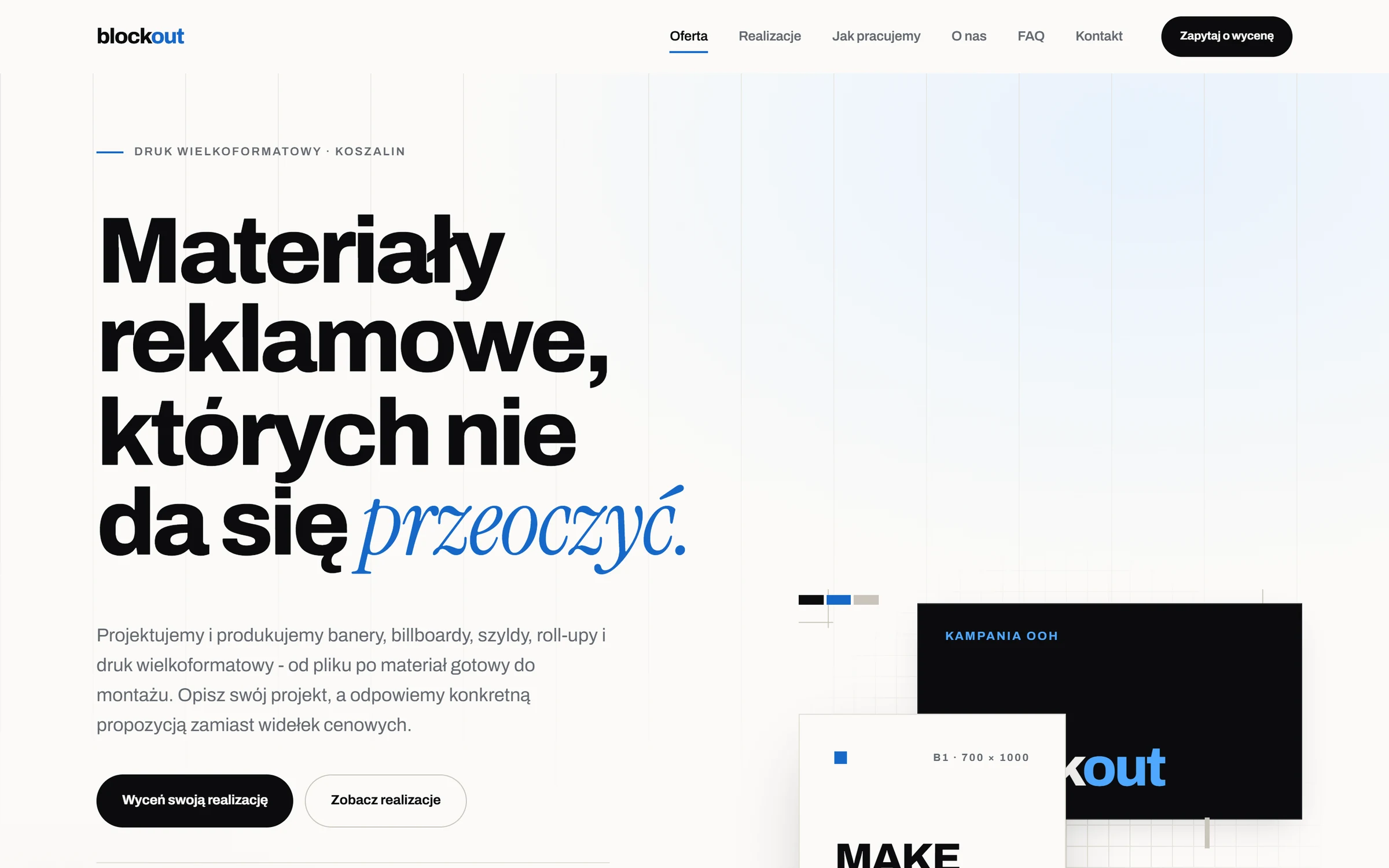
A one-page marketing website for Blockout, a large-format print and signage company in Koszalin. It has one job, generating quote requests: every section ends with an action and the contact form is reachable from anywhere on the page.
01 · Problem
What needed solving
A small local business needs a site that is found on Google, loads fast on phones and turns visits into enquiries, without inventing statistics or testimonials it can't back up.
02 · Solution
How it works
React 19 + TypeScript + Vite without a CSS framework: a token-based design system in plain CSS, all copy in typed content files, and SEO tags plus schema.org data written into index.html at build time. Nginx in Docker serves it with gzip, caching and security headers.
03 · Key features
What it does
- Contact form with Zod validation, a honeypot field and a 3-second minimum fill time
- Meta, Open Graph and schema.org LocalBusiness + FAQPage generated at build time
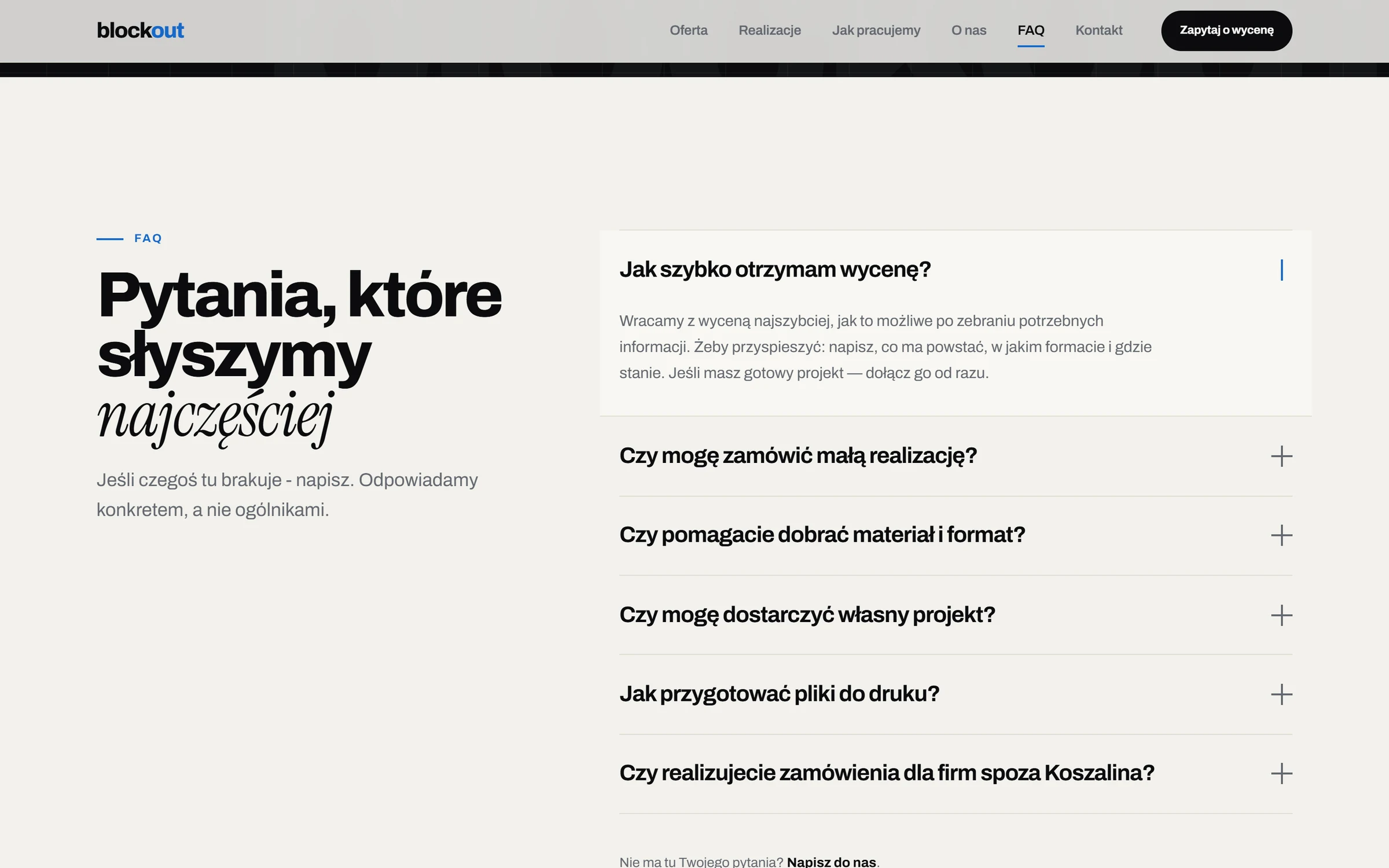
- Focus-trapped mobile menu and lightbox, keyboard gallery, accessible FAQ
- Animations limited to transform and opacity, and off for prefers-reduced-motion
- No WCAG 2.1 AA violations in an axe-core audit on desktop and mobile
04 · Tech stack
Built with
- TypeScript
- React
- Vite
- Zod
- CSS
- Docker
- Nginx
- Status
- In progress
- Code
- github.com/KacperBlok1/blockout-strona
- Demo
- Not hosted yet · run locally
05 · Challenges
What was tricky
SEO without server rendering
A client-side React app is invisible to scrapers that don't run JavaScript, so titles, Open Graph tags and structured data are written into index.html by the Vite build.
Form without a backend yet
Until a form endpoint is configured, the form says so and points to phone and e-mail instead of faking a successful send.
No made-up content
An earlier version had made-up numbers and invented testimonials. They were removed, and project tiles are clearly marked as placeholders until real photos arrive.
06 · Screenshots
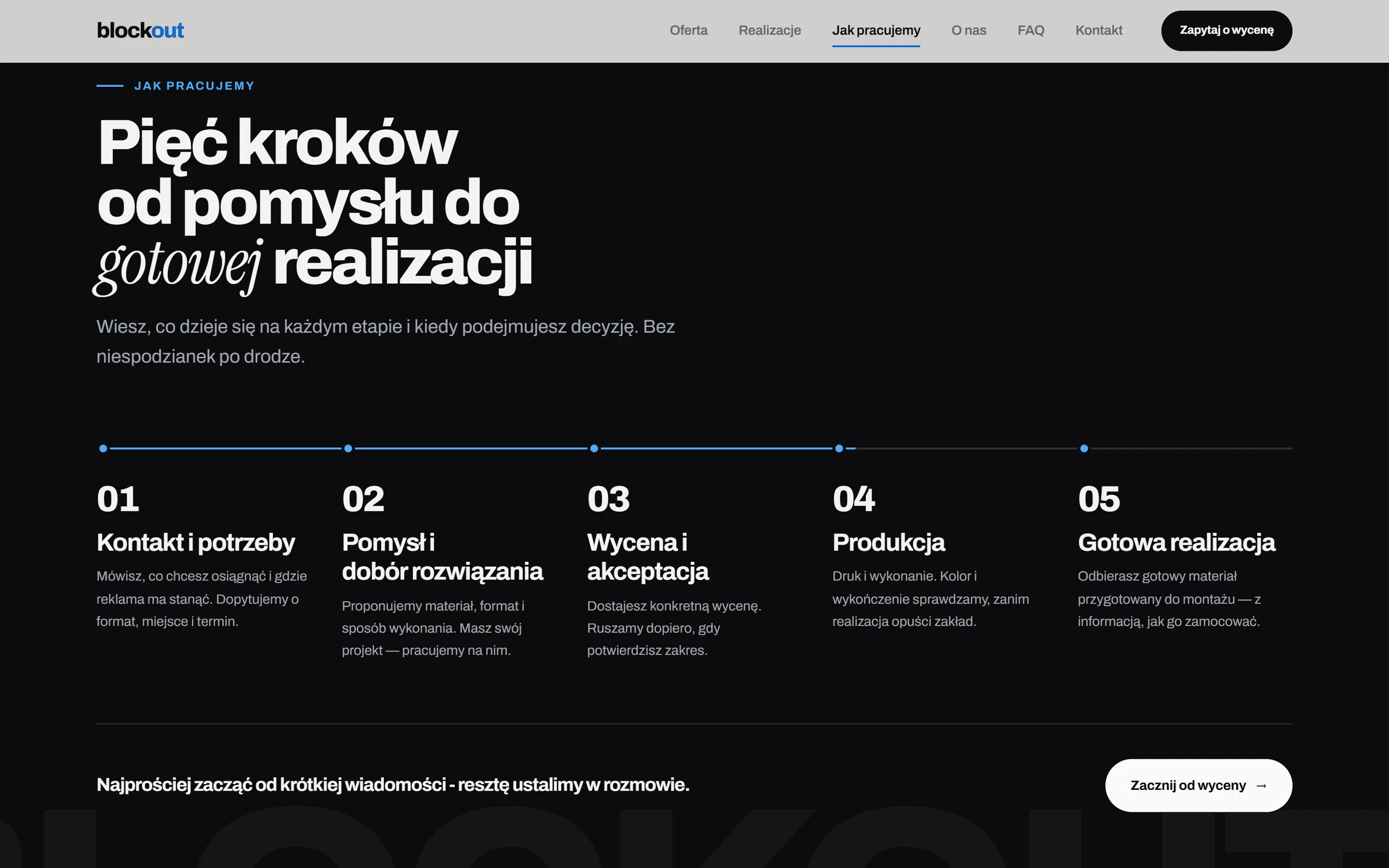
How it looks
Try it
Run it locally
No hosted demo yet. The source and README are on GitHub, and these commands start it locally from the repo root.
$ npm install
$ npm run dev
# production: docker compose up -d --build  (port 8080)