Case study · 02
Status: OngoingGymTracker
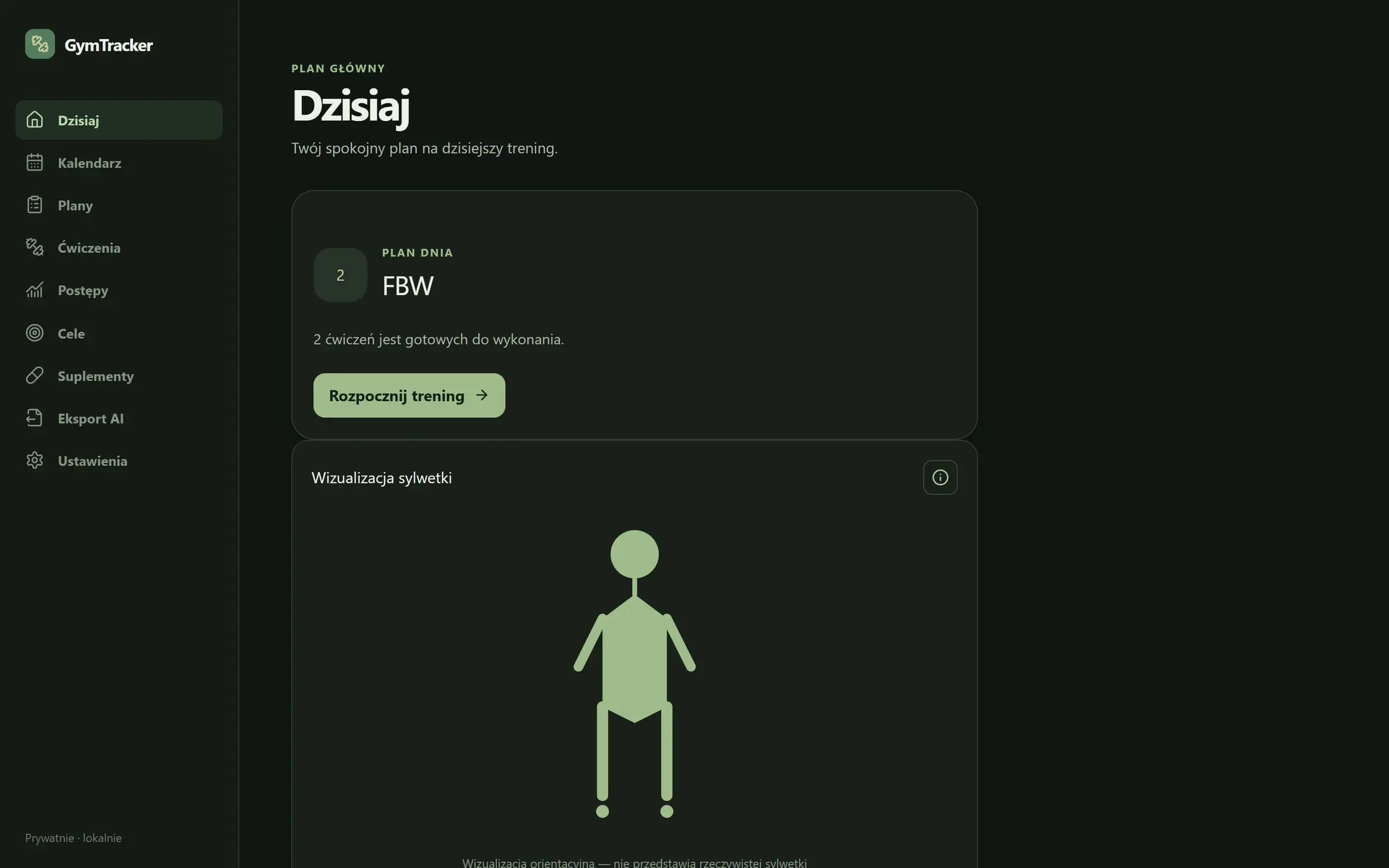
GymTracker is a private, mobile-first app for tracking workouts, plans, body measurements, goals and supplements. It is a monorepo with a Fastify API, a React client and a PostgreSQL database, meant to run with Docker Compose on a home server and be reached over Tailscale.
01 · Problem
What needed solving
Workout apps either keep your data in someone else's cloud or don't track everything in one place. I wanted plans, sets, measurements, goals and supplements together, fast to use from a phone in the gym.
02 · Solution
How it works
npm workspaces with apps/api (Fastify 5, Zod, Prisma), apps/web (React 19, TanStack Query, Tailwind) and packages/shared. The PostgreSQL 17 schema is managed with Prisma migrations; Docker Compose runs the database, the API and an Nginx-served frontend, and applies migrations on start.
03 · Key features
What it does
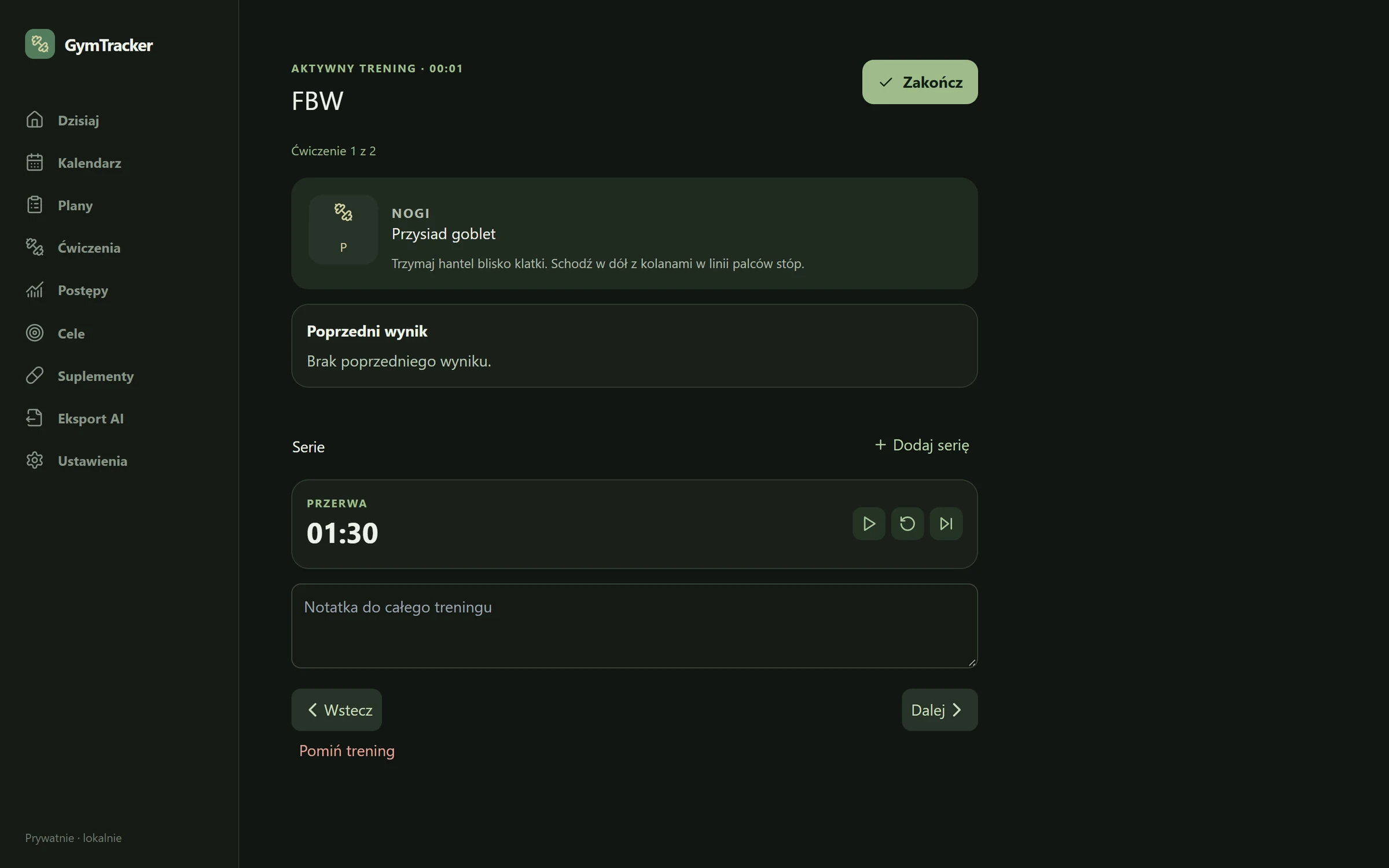
- Workouts with sets, weights, reps and notes; training plans by weekday
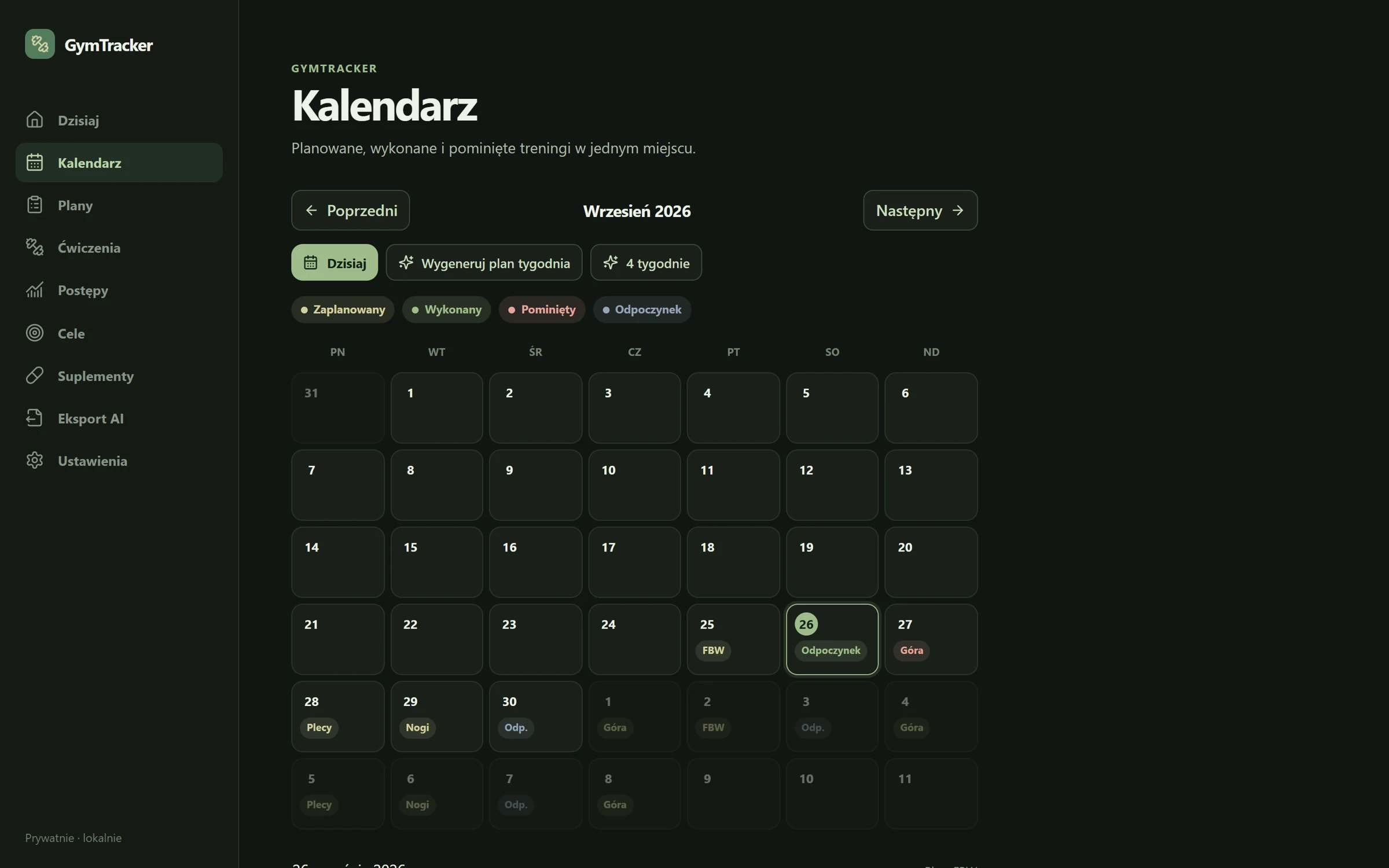
- Calendar of planned, completed and skipped workouts
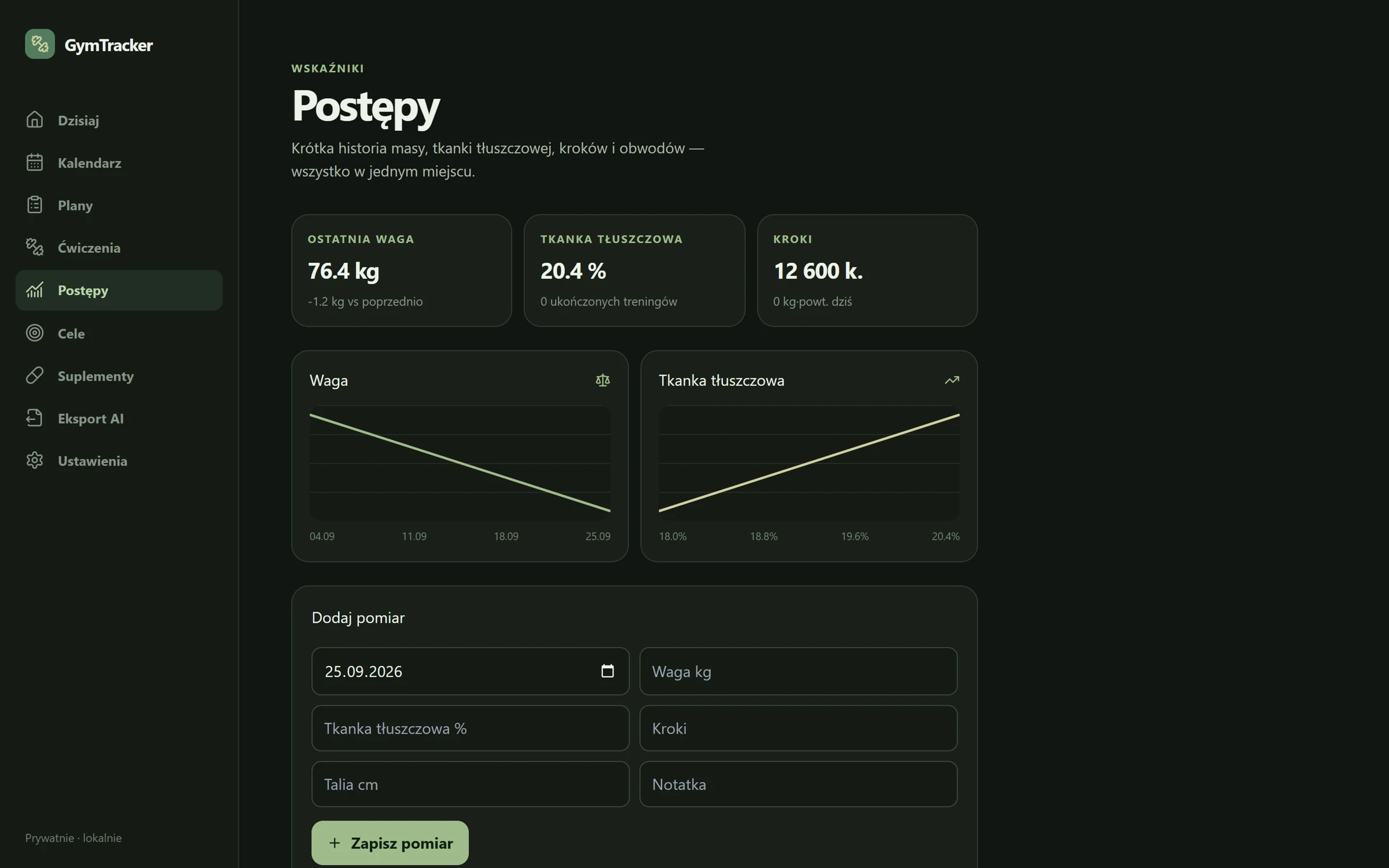
- Body measurements (weight, body fat, circumferences, steps) with trend charts
- Goals, a daily supplement checklist and export of any date range to JSON, CSV or TXT
- Mobile-first UI: bottom navigation on phones, side panel from 900 px
04 · Tech stack
Built with
- TypeScript
- Fastify
- Prisma
- PostgreSQL
- Zod
- React
- Docker
- Status
- Ongoing
- Code
- github.com/KacperBlok1/analiza-silownia
- Demo
- Not hosted yet · run locally
05 · Challenges
What was tricky
Consistent API errors
One Fastify error handler maps Zod validation errors to 400, a missing Prisma record (P2025) to 404 and a unique-constraint clash (P2002) to 409, so the route handlers don't repeat the same try/catch.
Schema migrations
The data model grew through four versioned Prisma migrations (initial schema, workouts, progress features, calendar history), applied automatically when the container starts.
No login
There is no login on purpose: the app runs on a LAN and over Tailscale, and PostgreSQL is only reachable inside the Docker network. Exposing it to the internet would need an auth layer first.
06 · Screenshots
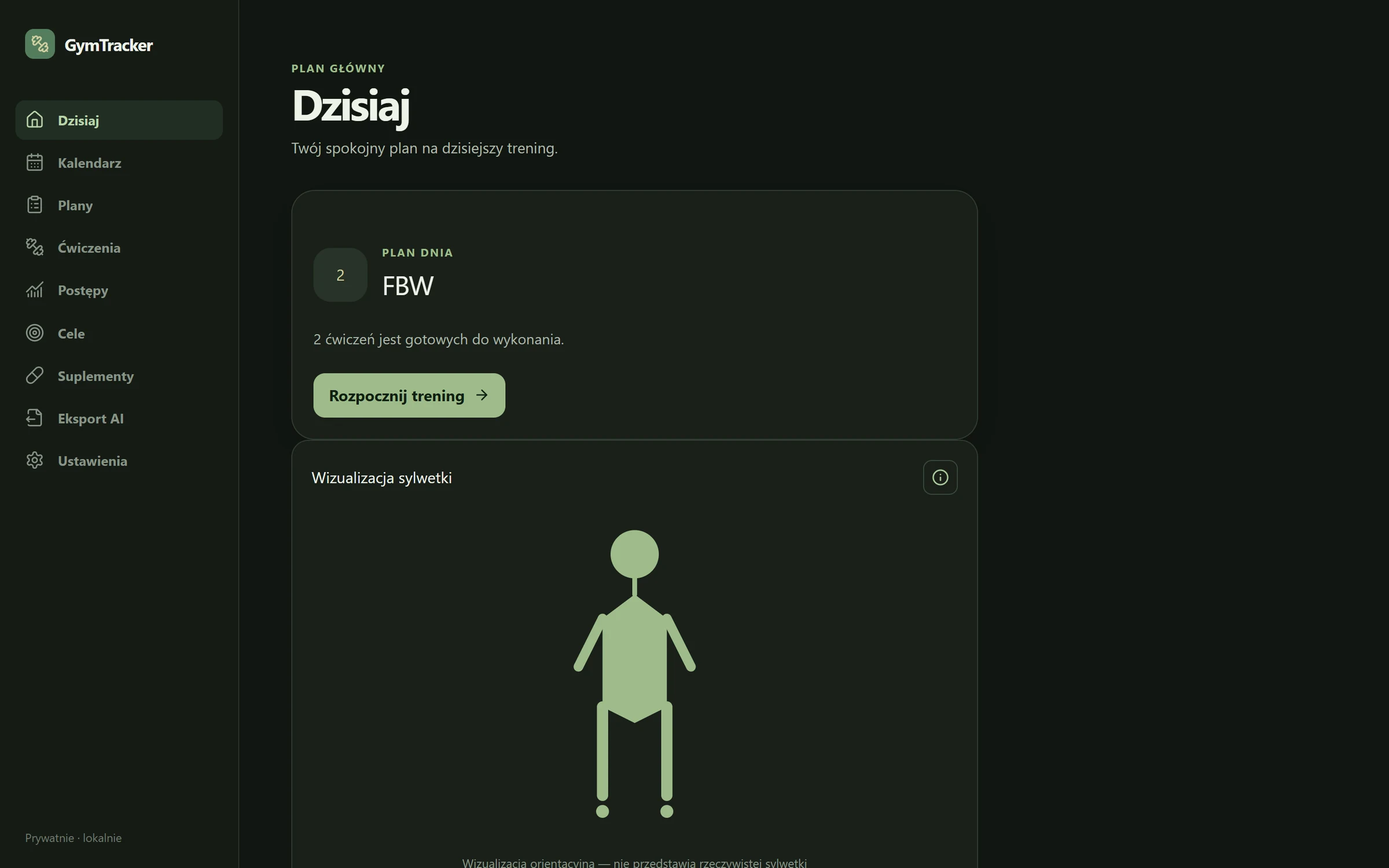
How it looks
Try it
Run it locally
No hosted demo yet. The source and README are on GitHub, and these commands start it locally from the repo root.
$ cp .env.example .env
# set POSTGRES_PASSWORD
$ docker compose up -d --build
$ docker compose exec api npm run prisma:seed -w @gymtracker/api
# web: http://localhost:8088